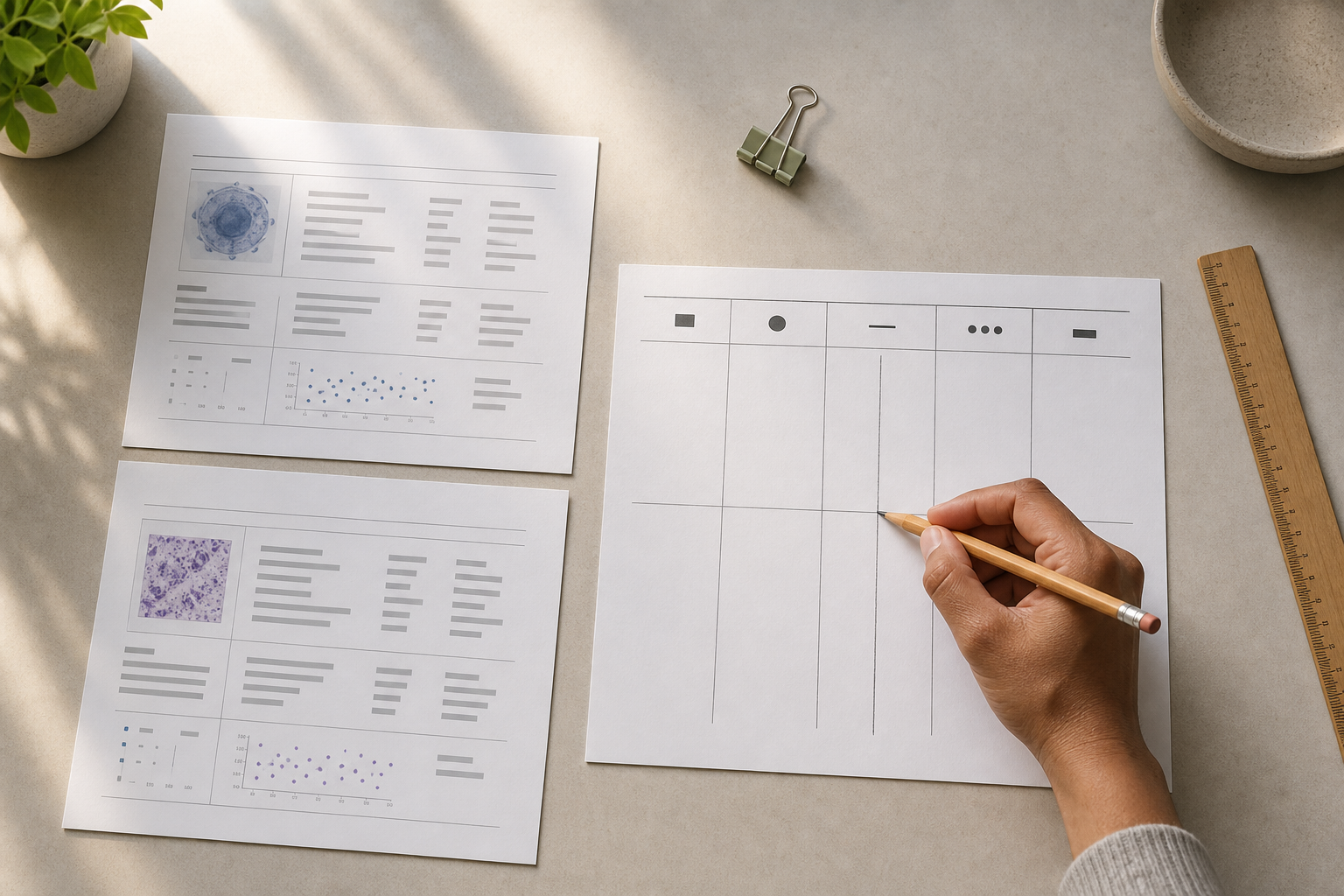
When repeated lab reports use different labels or units, record each report as a separate source row before you try to compare it. Copy the source label, value, unit, collection date and report reference exactly as printed. Do not rename the measurement or convert a number just to make two rows fit. Check whether the measurement identity, specimen or context, unit and collection date are genuinely aligned. If any part is missing or unclear, mark the rows unresolved and keep them outside a combined trend. Ask the issuing laboratory or a healthcare professional to clarify the relationship, then attach that clarification to the source rows. Only enter or group the rows as comparable after that review. This preserves a useful timeline without turning inconsistent paperwork into an interpretation.
The TRACE gate: a source-preserving pre-entry check
Use the TRACE gate on every row before entering a value into a chart, tracker or report. It is a recordkeeping method, not a test of what a result means medically.
- Transcribe the source wording. Copy the label, value and unit as shown. Keep punctuation, abbreviations and qualifiers where they appear. Do not silently replace a source label with a more familiar one.
- Retain provenance. Add the report reference text that will let you find the source again. This may be a filename, report heading, page reference or another identifier that is actually present on the document. If no reference is available, write
not stated; do not invent one. - Align the timing and context. Record the collection date and time when the report gives them. Keep a report or release date in a separate note if it is also useful. Record the specimen or other context only when the source states it. If a date or context is absent, mark it as missing rather than infer it.
- Classify comparability. Use a small, visible status:
comparable for this record,keep separate, orunresolved. The status explains how the rows may be organised; it does not establish a clinical equivalence. - Escalate the unknown. If the label, unit, date, specimen or context cannot be reconciled from the supplied paperwork, ask the issuing source or a healthcare professional. Keep the question and any answer with the affected rows.
The key discipline is that the source row comes first and the tidy timeline comes second. A chart should not be the place where missing definitions are guessed.
Build the worksheet before opening a chart
Make one row for every report occurrence, even if two documents appear to describe the same measurement. The following is a reusable worksheet structure:
| Row | Source label (verbatim) | Value (verbatim) | Unit (verbatim) | Collection date/time | Report reference text | Specimen or context | Status | Reason or next check |
|---|---|---|---|---|---|---|---|---|
| A | [copy exact label] | [copy exact value] | [copy exact unit] | [date/time or not stated] | [copy available reference] | [source wording or not stated] | [status] | [why / question] |
| B | [copy exact label] | [copy exact value] | [copy exact unit] | [date/time or not stated] | [copy available reference] | [source wording or not stated] | [status] | [why / question] |
Use not stated for an absent field and illegible when the source cannot be read. Those entries are useful controls: they show what the report did not provide. If you are working from a secondary note rather than the original report, say source not seen in the reference field and do not present the copied value as a verified transcription.
Do not add a hidden “clean label” column. If a later source or professional supplies a documented relationship between two labels, add a separate mapping note containing the source, the date of the clarification and the original rows affected. The original wording and units remain the record of what was printed.
Decide whether rows belong together
Apply the following decision table after transcription. It is deliberately conservative: a numerical value that looks similar is not evidence that two rows belong in one series.
| What the source record shows | Worksheet decision | What to do next |
|---|---|---|
| Label, unit, collection context and timing are aligned, with no missing identity detail | Comparable for this record | Retain both source rows and document the basis for grouping. Do not replace the source wording. |
| Labels differ, but the report or an authoritative clarification explicitly defines the relationship; unit and context also align | Comparable for this record, with a note | Copy the definition or clarification into the reason field and cite the affected report references internally. |
| Unit differs and no source-defined mapping is available | Keep separate | Preserve both values exactly. Do not calculate a replacement value or put them into one combined series. |
| Label appears similar, but specimen or other context differs or is missing | Unresolved | Keep the rows apart and ask what context is required before grouping them. |
| Collection date, report reference or source wording is missing | Unresolved | Mark the missing field, locate the original if possible, and avoid filling the gap from memory. |
| A value has already been converted in another note or spreadsheet, but the method or authority is unknown | Keep the source and derived value separate | Preserve the printed value; label the other value as unverified until its method and source are documented. |
This table is for organising a personal record. It does not tell you whether a laboratory method is interchangeable with another method, whether a result is expected, or what action a result calls for. Those questions belong to the issuing source or an appropriate healthcare professional.
Example: two inconsistent rows remain unresolved
Illustrative recordkeeping example. The bracketed fields are placeholders, not laboratory results. Suppose two reports are in front of you. The label strings differ, the units shown on the reports differ, and neither report supplies a definition that connects the two forms. Do not invent a common test name or a conversion.
| Row | Source label (verbatim) | Value (verbatim) | Unit (verbatim) | Collection date/time | Report reference text | Status |
|---|---|---|---|---|---|---|
| A | [label exactly as printed on report A] | [value exactly as printed on report A] | [unit exactly as printed on report A] | [date/time on A or not stated] | [reference text on A] | Unresolved |
| B | [label exactly as printed on report B] | [value exactly as printed on report B] | [unit exactly as printed on report B] | [date/time on B or not stated] | [reference text on B] | Unresolved |
Here is the completed reasoning:
- The two source labels are preserved rather than renamed.
- The two source units are preserved rather than converted.
- Because the relationship is not documented in the supplied reports, the rows are not treated as one measurement series.
- The reason field says:
Label and unit differ; no source-defined relationship recorded. Keep separate pending clarification. - The next-check field points to the affected report references and asks the issuing laboratory or a healthcare professional whether the entries can be related.
- If a documented answer arrives, add it as a dated mapping note. Keep the original rows visible and record whether the answer permits recordkeeping together. If no answer arrives, the status stays
unresolved.
This is a valid recordkeeping outcome, not an incomplete one: the worksheet has prevented an unsupported merge and made the missing evidence easy to find. If only the unit differs, follow the same process. A unit mismatch is still a reason to pause; this article does not supply a conversion formula or authorise one.
Implementation steps for a repeatable record
- Gather the actual reports. Work from the report itself where possible. Keep the original file or paper reference unchanged, and list each occurrence separately. A memory-based summary can be a useful prompt, but it is not the source row.
- Transcribe before interpreting. Copy the label, value and unit into the worksheet. Preserve qualifiers and indicate
not statedorillegiblerather than polishing an uncertain string. - Separate dates. Enter the collection date/time if shown. If the document also has a report, upload or release date, retain it as a different field or note. Never choose between two dates without identifying what each date represents.
- Record the reference. Use the report's available reference text exactly enough to relocate the source. If two pages or files could be confused, add a short page or filename note that is present in your own records; do not manufacture an identifier.
- Run the decision table. Check identity, unit, context and timing. Assign
comparable for this record,keep separateorunresolved, and write one sentence explaining the decision. - Resolve questions outside the chart. Send the exact source wording and references to the issuing source or discuss them with a healthcare professional. Store the clarification beside the worksheet, not only in a temporary message.
- Enter only after the gate. If you use Genetiqo Vault Pro, the supplied public product information lists lab tracking among Pro features and describes Trends for manually entered metrics and lab values over time. Use the worksheet as the pre-entry control: enter the source details you can represent accurately, then check the resulting dates and entries against the worksheet. Keep unresolved distinctions visible in the worksheet rather than using the product view to hide them. Genetiqo Vault's public product page is the supplied internal reference for these product-specific boundaries.
- Review any report before sharing. Compare the selected rows and dates with the worksheet. Confirm that a source row has not been replaced by an unlabelled derived value, and remove or separate unresolved rows when the output cannot show their status clearly.
If the tool you use cannot preserve a necessary distinction, the worksheet remains the safer working record. A tidy interface is not a reason to discard source detail.
Completion checklist
Before calling the record ready for review, confirm:
- [ ] Every report occurrence has its own row.
- [ ] The label, value and unit match the source wording, including qualifiers.
- [ ] Collection date/time is distinguished from any report or release date.
- [ ] The report reference text is present, or the field says
not statedorsource not seen. - [ ] Missing or illegible information is marked, not guessed.
- [ ] Each pair or group has a status and a written reason.
- [ ] Different units are not silently converted or merged.
- [ ] Unresolved rows are not placed into a combined series.
- [ ] Any later clarification includes its source and date and does not erase the original rows.
- [ ] A chart or export has been checked against the worksheet and is not being used as a medical conclusion.
Limitations
This method protects the quality of a personal record; it cannot determine whether two laboratory measurements are medically interchangeable. Similar labels can refer to different methods or contexts, and different labels can sometimes describe a related measurement. The worksheet deliberately leaves that question open when the supplied reports do not resolve it.
No conversion formula is provided here. If a qualified source confirms that a conversion or mapping is appropriate, retain the printed value and unit, record the authority and date of the instruction, and label any derived value as derived. Do not let the derived value replace the source row. If the method cannot be documented, treat the derived value as unverified.
A missing collection date, unclear specimen, incomplete reference or unreadable unit cannot be recovered by sorting, charting or estimating. Obtain a clearer source or ask for clarification. The placeholder example is a demonstration of the worksheet logic, not a set of sample results. It should not be copied into a health record as if it were data.
Product references in this article are limited to the supplied public Genetiqo signals: manual lab-value entry, Trends and reviewable reports within the described product boundary. The article does not claim automatic matching, automatic unit conversion, clinical interpretation, diagnosis, treatment advice or emergency monitoring. If a result or symptom may need prompt attention, contact an appropriate healthcare service rather than waiting to finish a recordkeeping exercise.
FAQ
Can I replace different report labels with one label?
Not at the transcription stage. Keep every label exactly as printed. If the issuing source or a healthcare professional later documents that two labels can be treated as the same for your record, retain the original labels and add the clarification as a separate, dated note. A shorter label may be convenient, but it must not conceal the source wording.
What should I do when the units are different?
Keep the rows separate and preserve both units. Do not calculate a common value from this article. Ask the issuing laboratory or a healthcare professional whether the measurements can be related and what documentation should accompany that relationship. If the answer is not available, leave the status as unresolved.
Which date belongs in the worksheet?
Use the collection date/time when the report provides it, because that is the date attached to the collection event in the source. Keep a separate report or release date if it is present and useful. If you cannot tell which date is which, record the wording and mark the timing as unresolved instead of selecting the more convenient date.
What counts as a report reference?
Use identifying text that is actually available in your source record: for example, a filename, report heading, page reference or other printed identifier. The purpose is to relocate the source, not to create a new medical identifier. If no usable reference exists, write not stated and seek the original or a clearer copy.
Can I put unresolved rows into a trends chart?
Do not put unresolved rows into one combined series. A display can place numbers on a timeline without proving that their labels, units or contexts match. Keep the worksheet status visible and resolve the source question first. If a tool cannot show the distinction, keep the unresolved rows in the source-preserving worksheet instead.
What if I already converted one of the values?
Do not delete the printed value. Place the converted value in a separate field or note, label it as derived, and record the method and source of the conversion. Without that documentation, treat it as unverified and do not use it to make the rows appear comparable.
What if I only have a screenshot, message or handwritten note?
Record what you have as a secondary source and mark source not seen. Copy only what is legible, keep the original message or image reference, and avoid calling the value an exact report transcription. Obtain the original report or clarification before assigning a comparable status.
Does a clean timeline mean the entries are comparable?
No. A clean timeline describes how data was entered or displayed, not whether the underlying source rows share an identity, unit and context. The TRACE gate must be completed before visual neatness is treated as record quality.